
Churn rarely comes from one bad month. It often hides in failed payments, weak onboarding, poor-fit customers, or a plan that no longer matches usage. These six tools can help SaaS teams see what happened, find the risky segments, and choose a retention action without building every report by hand.
Table of Contents
- 1. Chartsy (Our Top Pick)
- 2. ChartMogul, Detailed Churn and Retention Analysis
- 3. Megaphone, Customer Feedback and NPS Follow-up
- 4. HubSpot, CRM Workflows for Retention Outreach
- 5. monday CRM, Flexible Tracking for Customer Success Teams
- 6. Pipedrive, Simple Renewal and Account Follow-up
- Comparison Table: Which Tool Fits Your Churn Problem?
- FAQ
- Conclusion
1. Chartsy (Our Top Pick)
Chartsy turns the churn question you'd normally write a query for — "which plan has the highest churn," "how does MRR churn compare to logo churn" — into a chart, straight from your Stripe or Paddle data.
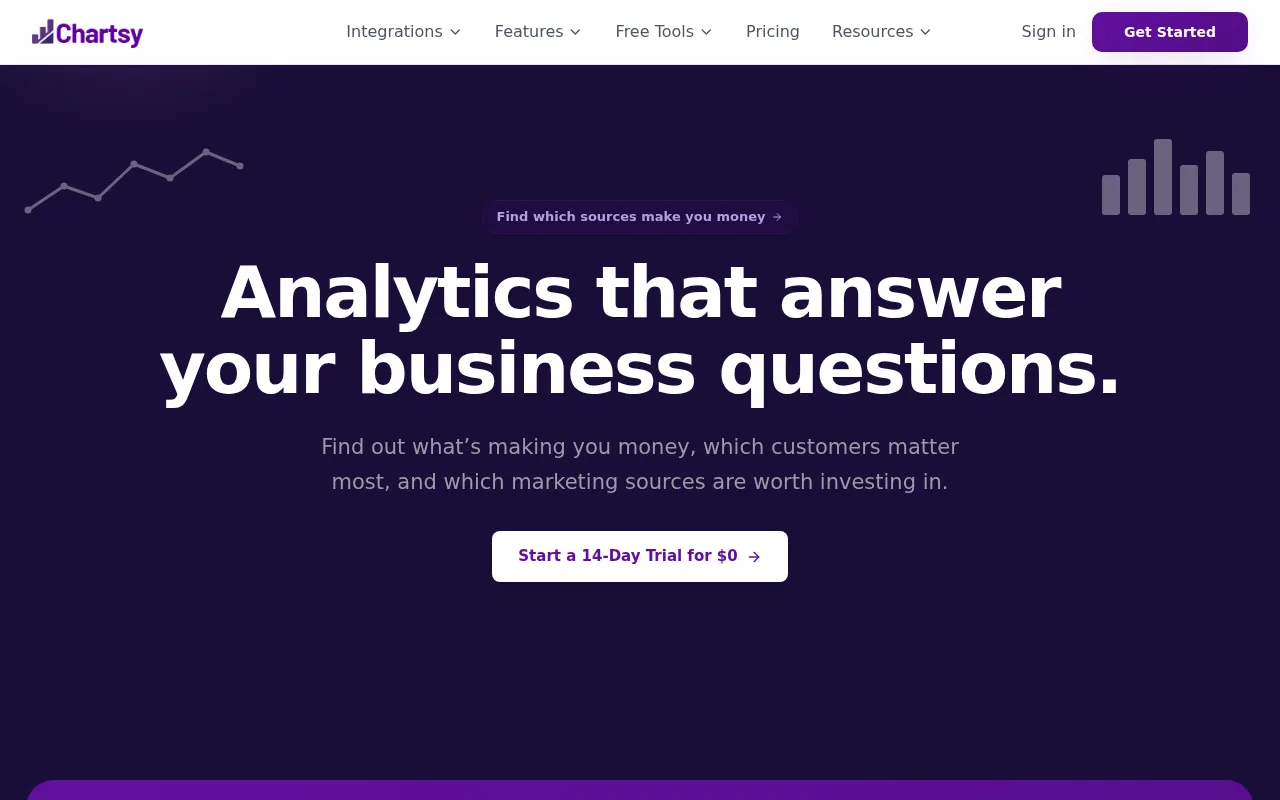
Chartsy is the best fit when your data sits in a billing system but your decisions happen in spreadsheets. You can ask which plan has the highest customer churn, compare MRR churn with logo churn, or look at reactivations by signup month. The answer starts with your Stripe or Paddle data instead of a manually merged export.
That matters because customer churn and revenue churn can tell very different stories. Ten small accounts may cancel while one larger account downgrades. The customer count looks bad, but the MRR loss may be worse. Chartsy lets teams inspect those changes through dashboards that adapt to the business instead of forcing every company into the same report.
Its natural-language analytics also cut down the delay between a question and a useful view. A founder can save a report for a weekly review, while finance can check ARR, refunds, failed payments, and expansion MRR in the same data set. Chartsy also has Growth for tracing the path from acquisition source to signup, customer, MRR, revenue, and retention.
The caveat is simple. Analytics won't fix a weak product experience by itself. Your team still has to speak with customers, repair onboarding, or fix a payment flow after the data shows where the loss sits. Start with How to Do Customer Churn Analysis if you need a clean method for defining the churn event before you build reports.
For a SaaS founder who wants one place to question subscription data, Chartsy is the strongest starting point in this shortlist.
2. ChartMogul, Detailed Churn and Retention Analysis
ChartMogul is a good fit for teams that want focused churn, retention, and growth analysis. It also lists sequences and tasks, including usage-triggered sequences, so a retention team can connect a customer signal with a follow-up task.
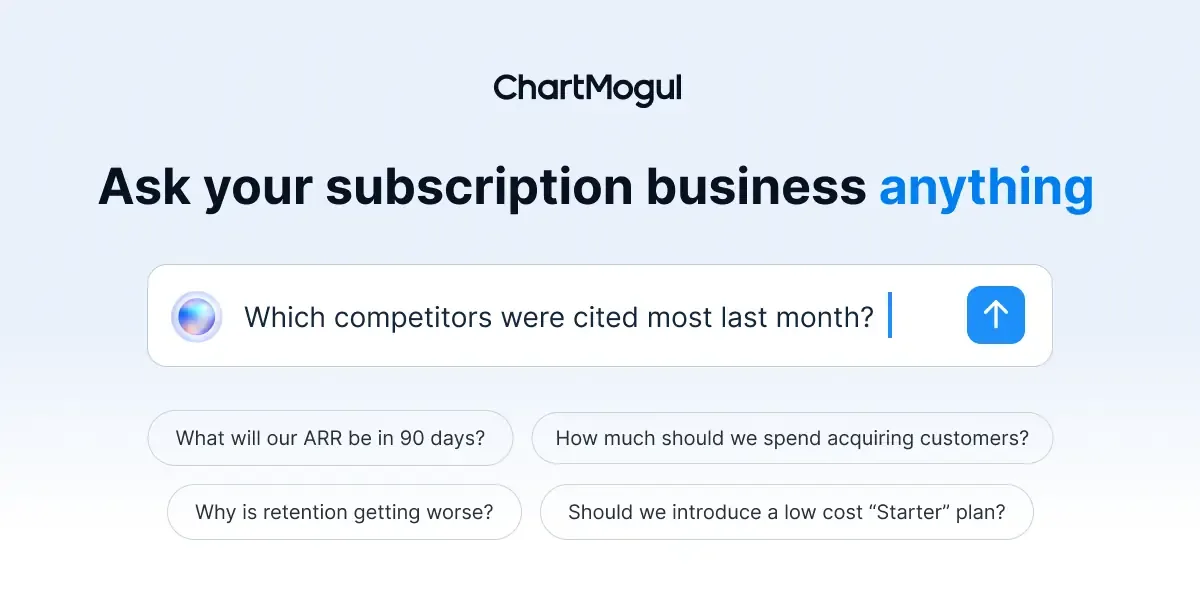
That focus helps when your main problem is measurement. A SaaS team may know that cancellations rose, yet still lack answers to basic questions. Did the loss come from new cohorts? Is revenue churn concentrated in one plan? Are downgrades taking more MRR than full cancellations? A dedicated retention view can turn those questions into a recurring review rather than a one-off spreadsheet exercise.
ChartMogul's usage-triggered sequences are useful when behavior should guide outreach. Imagine a customer who stops using a key part of the product before renewal. A sequence can give the team a reason to act before the account reaches the cancellation page. The task still needs a human owner, though. An automated message can't decide if the problem is price, product fit, or a missing feature.
The research behind this list places ChartMogul among the few reviewed tools with stated churn-analysis capability. It lists a 14-day free trial, so founders can test the workflow before adding it to the operating budget. Compare that with tools that call a plan free but disclose little about the depth of their retention data.
ChartMogul is less attractive if your team wants broad business questions answered in plain English across several data sets. In that case, Chartsy's Stripe and Paddle connection may reduce the work needed to prepare subscription data. Pick ChartMogul when retention analysis is the center of the workflow and your team is comfortable with a focused analytics product.
3. Megaphone, Customer Feedback and NPS Follow-up
Megaphone is best for teams that use customer feedback as an early signal of churn. Its listed capabilities include NPS surveys, automated NPS survey emails, and an automated referral request page.
NPS is useful when you treat it as a prompt for a conversation, not as the whole health score. A low score may point to a product gap, a support problem, or a customer who never reached the first useful outcome. A high score may reveal which customers are ready to refer peers. The score gives you a lead. Your team still needs to record the reason behind it.
Automated survey emails can help a small customer success team gather feedback on a steady schedule. You might send a survey after activation, before renewal, or after a support interaction. Keep the timing consistent. If you survey the same person too often, later answers may say more about survey fatigue than product value.
Segment the results before acting. An overall NPS score can hide a serious issue in one plan or cohort. Compare responses by customer age, billing plan, acquisition source, and product use when those fields are reliable. A low score among month-two customers points toward onboarding. A low score among long-term accounts may point toward product depth or support quality.
The limit is scope. The stated research does not give Megaphone a broad subscription churn analytics layer or a native Stripe or Paddle connection. It fits best beside a revenue view, not in place of one. If feedback is your missing signal, Megaphone can help you collect it and follow up. If you can't connect that feedback to MRR or retention, you may still miss the cost of the problem.
4. HubSpot, CRM Workflows for Retention Outreach
HubSpot fits teams that need a CRM-based place to manage customer conversations and retention follow-up. The research lists a free tier and a disclosed price of $15 per user per month when billed annually.

A CRM can help when churn risk is known but action falls through the cracks. A customer success lead might spot a drop in usage during a weekly review. The next job is to assign an owner, set a due date, record the cause, and track the result. A CRM workflow gives that work a home instead of leaving it in a chat thread or a personal task list.
Use a clear reason code for each at-risk account. Useful choices might include payment failure, low adoption, missing feature, price concern, or poor fit. Keep the list short enough that people use it. Then tie each reason to one next action. Payment risk needs a billing message. Low adoption needs a product path. A feature gap needs a product note and a clear expectation.
HubSpot is a better match for teams already working in a CRM than for a founder who mainly needs subscription analysis. The stated comparison data does not list churn-analysis data or specific Stripe and Paddle integrations for this item. That means you may need to bring in account metrics from another system before the team can prioritize outreach by lost MRR.
Budget for the seats, too. A free tier can be useful for a small team, but a per-user model grows as more people need access. If five people need a seat, the published annual-billing figure would put the software cost at $75 per month before any other plan requirements. Treat CRM workflow and subscription analysis as separate jobs unless your chosen setup clearly joins them.
5. monday CRM, Flexible Tracking for Customer Success Teams
monday CRM may suit a customer success team that wants a flexible workspace for account follow-up. The research lists a free tier and a $12 per-user monthly price for basic features.
The value of a flexible tracker depends on the rules you put inside it. A board might show new accounts, active onboarding, at-risk customers, renewal review, and saved accounts. Each record should include the plan, MRR, renewal date, last meaningful product action, and the next owner. Without those fields, the board becomes a list of names with little help for prioritization.
monday CRM makes the most sense when the handoff is your weak spot. A founder may find a risk in billing data, then pass it to customer success. The team needs to see the same account context and update the status after outreach. A shared workspace can reduce missed tasks, but it won't tell you which cohort has the worst retention unless you add that analysis from another source.
The published research doesn't state that monday CRM includes churn-analysis data or Stripe and Paddle integrations. So don't buy it expecting a subscription metric system. First decide where customer churn rate, revenue churn, GRR, and NRR will be calculated. Then use the CRM to manage the human work that follows.
At $12 per user per month for basic features, it has the lowest disclosed per-user figure among the named CRM options in this review. That doesn't make it the cheapest full setup. Your total cost may include the analytics tool, data export work, and the time someone spends keeping records clean.
6. Pipedrive, Simple Renewal and Account Follow-up
Pipedrive is a fit for teams that want a simple pipeline view for renewal and account follow-up. The research lists a disclosed price of $14 per user per month when billed annually.
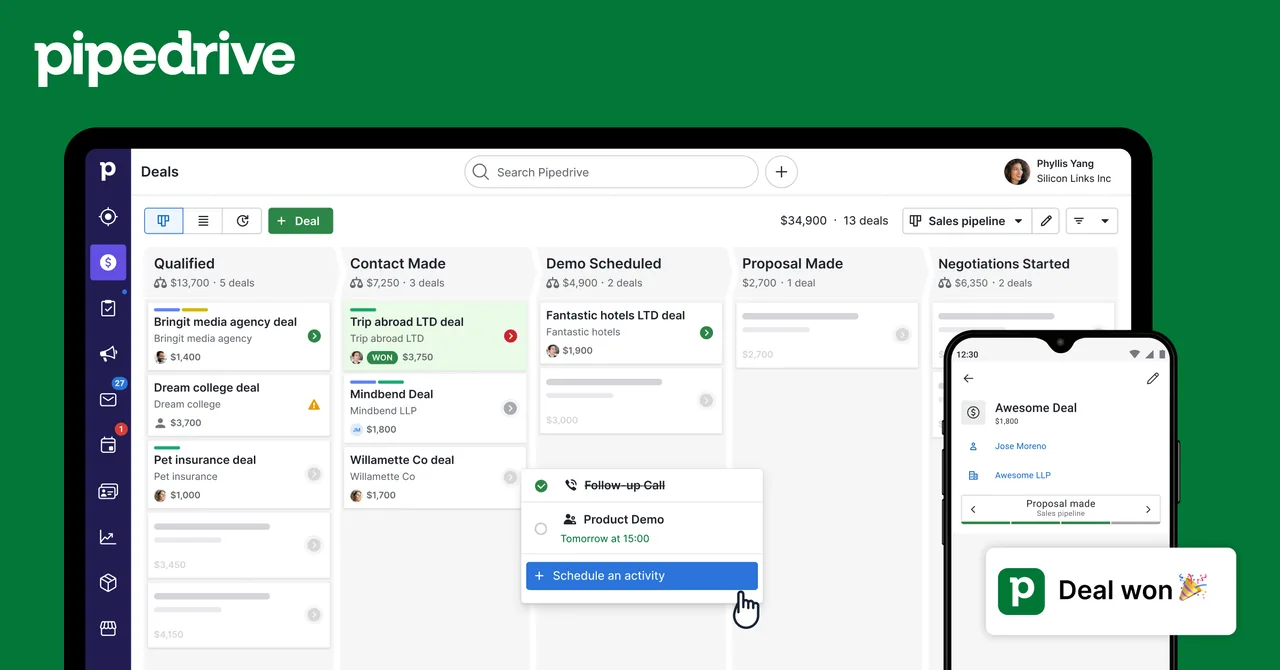
Think of a renewal pipeline as a calendar with ownership. Each account needs a renewal date, current plan, contract value, risk note, and next task. A manager can then scan the next 30 or 60 days and ask which accounts need attention. That is useful when renewals are being handled from memory.
Keep the pipeline stages tied to real customer events. “Renewal due” is a date. “Risk found” means someone has identified a reason. “Plan agreed” means the customer has made a clear choice. Avoid vague stages such as “working on it.” They make the report look full while hiding stalled accounts.
Pipedrive is less suited to teams that need detailed subscription analysis inside the same workflow. The provided research does not list churn-analysis capability or specific billing integrations for it. You would still need a reliable source for starting MRR, churned MRR, contraction, expansion, refunds, and failed payments.
Use it when the main gap is renewal discipline. Skip it as your only churn tool if you need cohort analysis or want to ask complex questions about billing data. A clean renewal list can prevent missed follow-up, but it cannot explain why customers leave.
Comparison Table: Which Tool Fits Your Churn Problem?
The right choice depends on where the work breaks. The comparison behind this shortlist found that only Chartsy and ChartMogul list churn-analysis capability. It also found that Chartsy is the only item that explicitly lists Stripe and Paddle integrations.
| Tool | Best fit | Stated strength | Watch before buying |
|---|---|---|---|
| Chartsy | Subscription analytics | Plain-English reports from Stripe and Paddle | Data still needs an action owner |
| ChartMogul | Retention analysis | Churn, retention, growth, and usage-triggered sequences | 14-day free trial, then confirm plan fit |
| Megaphone | Customer feedback | NPS surveys and automated follow-up | Pair feedback with revenue data |
| HubSpot | CRM outreach | Free tier and customer workflow use | $15 per user monthly when billed annually |
| monday CRM | Flexible account tracking | Free tier and basic plan at $12 per user monthly | Churn analytics not stated |
| Pipedrive | Renewal follow-up | Simple account pipeline | $14 per user monthly when billed annually |
Pricing needs context. Four items disclose a per-user figure or trial value in the supplied comparison, with an average of $13.75 and a median of $14. A “free” label may mean a limited tier or a trial, not a complete churn system.
FAQ
What is the best tool for reducing customer churn?
Chartsy is the strongest choice when churn starts in subscription data and your team uses Stripe or Paddle. It lets SaaS teams inspect churn, retention, MRR, failed payments, and customer segments through dashboards and plain-English questions. Choose a CRM instead when the main issue is assigning outreach after someone has already found an at-risk account.
How do you measure customer churn in SaaS?
Divide customers lost during a period by customers at the start of that period, then multiply by 100 — see What Is Churn Rate? for the full formula. Also track revenue churn separately, since one large downgrade can matter more than several small cancellations, and compare both figures by plan, signup cohort, and acquisition source before choosing a retention action.
Can failed payments cause customer churn?
Yes, failed payments can cause involuntary churn even when the customer still wants the product. Separate payment-related losses from voluntary cancellations. Check retry results, refund status, card updates, and the time between failure and cancellation. If the payment issue is recoverable, fix the billing path before spending time on a discount or product change.
How can I find customers at risk of churning?
Find at-risk customers by watching for a fall in product use, weak onboarding progress, negative feedback, unresolved support issues, or a failed payment. The signal matters only when it leads to a clear owner and next task. Group risk by MRR and customer age so your team handles high-impact accounts first.
Is NPS enough to predict churn?
NPS alone isn't enough to predict churn because a score doesn't explain the cause or show revenue impact. Use it with tenure, plan, product activity, and renewal timing. A low score from a new cohort may point to onboarding, while a low score from long-term users may signal a product gap. Then contact the customer and record the reason.
Conclusion
Start with Chartsy if you need to connect subscription data with a clear view of churn and retention. Pull one month of data, define exactly what counts as churn, and find the segment with the largest MRR loss. Then assign one retention action to one owner. For the metric definitions and formulas, see What Is Churn Rate? How to Calculate and Reduce It.

Written by
Chartsy TeamAnalytics team at Chartsy
The Chartsy Team writes guides, product updates, and resources to help SaaS and eCommerce founders make sense of their metrics, without SQL or spreadsheets.
Chartsy
