
The advice to choose a payment platform by its headline percentage misses the cost that matters: what you keep from each subscription after transaction fees, plan charges, refunds, and settlement deductions. For SaaS founders comparing Creem and Polar, the right choice depends on order size, customer mix, transaction volume, and how you'll turn billing records into useful revenue reporting.
Both are Merchant of Record (MoR) platforms, but they price and structure their developer experience differently. Below, the comparison focuses on the math at realistic subscription prices, what the MoR model handles, and how to get either platform's billing data into SaaS analytics.
Table of Contents
- Creem vs Polar at a Glance
- What Creem and Polar Actually Do
- Creem vs Polar Pricing Compared
- Features, Integrations, and Developer Experience
- Onboarding, Setup, and Migration
- Which Platform Fits Your SaaS Business
- Measuring Revenue from Creem or Polar with Chartsy
Creem vs Polar at a Glance
The lowest headline rate doesn't automatically mean the lowest total cost. Creem charges a flat fee per successful transaction, while Polar offers plans with different transaction rates and monthly fees. That distinction matters most for low-priced subscriptions, where the fixed part of each transaction fee makes up a larger share of revenue.
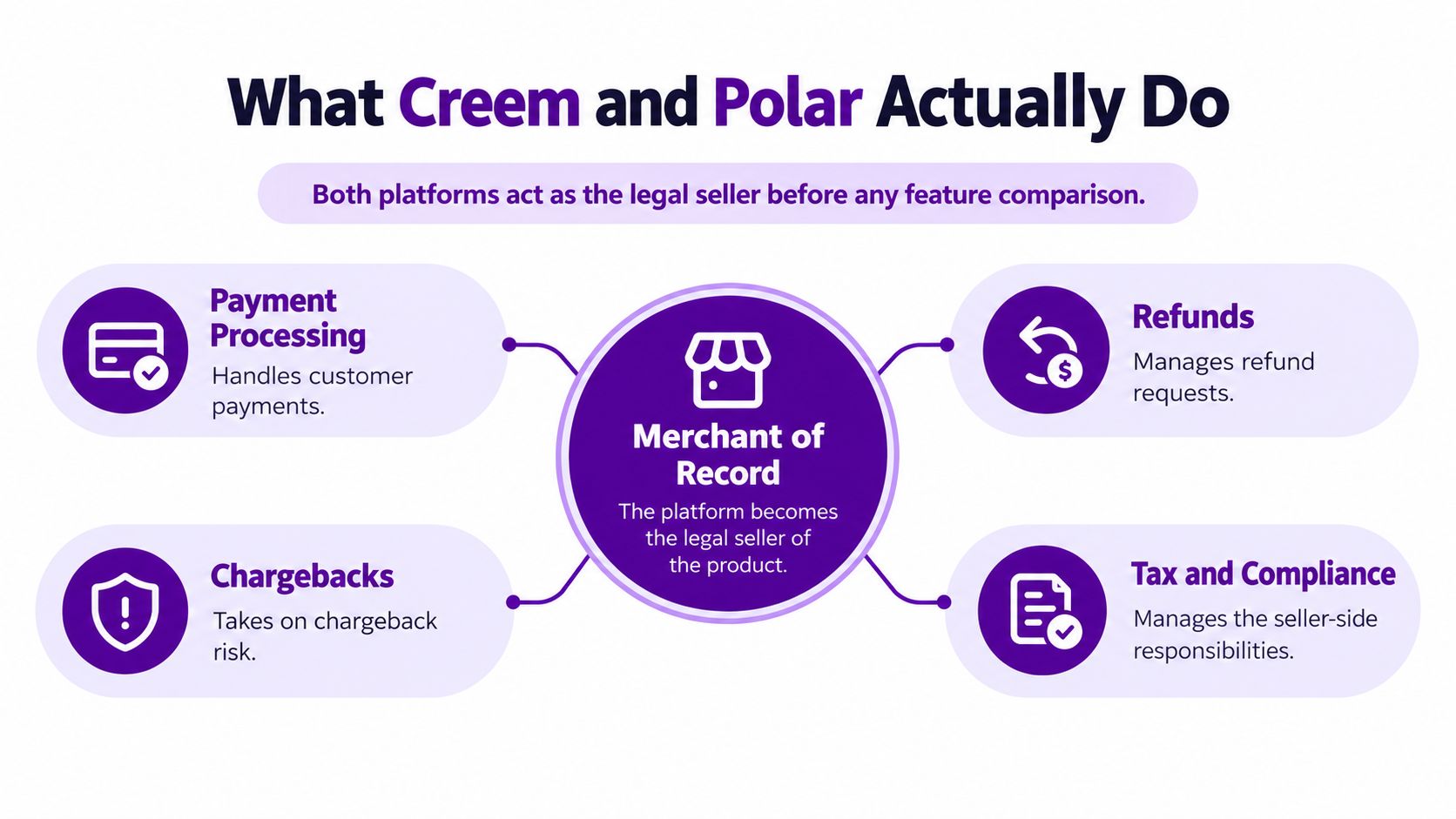
Both platforms act as the Merchant of Record for digital products. In practical terms, they take responsibility for payment processing, refunds, chargebacks, and indirect-tax obligations such as VAT, GST, and sales tax. That can spare a SaaS business from handling those seller-side duties itself, though it doesn't eliminate the need to understand your provider's terms, settlement reports, and billing data.
| Decision point | Creem | Polar |
|---|---|---|
| Pricing structure | Flat transaction fee, no monthly fee | Tiered transaction fees, with monthly fees on paid plans |
| Developer setup | Separate sandbox and production API environments | Built on Stripe, with the possibility of adding other payment service providers |
| Likely fit | Founders who value predictable fees and don't want a monthly plan charge | SaaS businesses that can justify a paid plan through transaction volume and order economics |
| Reporting consideration | Billing and settlement records need to be separated for revenue analysis | Billing and settlement records need to be separated for revenue analysis |
A useful comparison needs more than a feature checklist. It should weigh effective fees at actual subscription prices, the effort of implementing and testing billing flows, and how cleanly each provider's records support recurring-revenue reporting. A low-priced monthly plan behaves differently from an annual charge, and a paid plan only makes sense if the lower transaction rate offsets its monthly cost.
The same caution applies to revenue analytics. Merchant-of-Record settlement records are useful for reconciling cash received, but subscription events and invoices are the better foundation for understanding MRR, renewals, upgrades, and cancellations. The sections ahead use worked fee examples rather than treating the headline rate as the whole decision.
What Creem and Polar Actually Do
A Merchant of Record is the legal seller of a product in a transaction. When a customer pays for a SaaS subscription through an MoR, the platform handles the payment and takes on defined seller-side responsibilities, including managing refunds and chargebacks and handling indirect taxes such as VAT, GST, and sales tax. That's different from using a basic payment processor, which moves money but doesn't take on the same tax-compliance role.
For a SaaS founder, the appeal is operational. Selling software across borders can leave a small team responsible for understanding tax obligations in multiple jurisdictions. An MoR takes on much of that burden, leaving the business to focus on the product, customer experience, and subscription operations. You still need to review the platform's contractual terms and keep sound records; choosing an MoR doesn't make every finance or compliance responsibility disappear.
Same role, different infrastructure
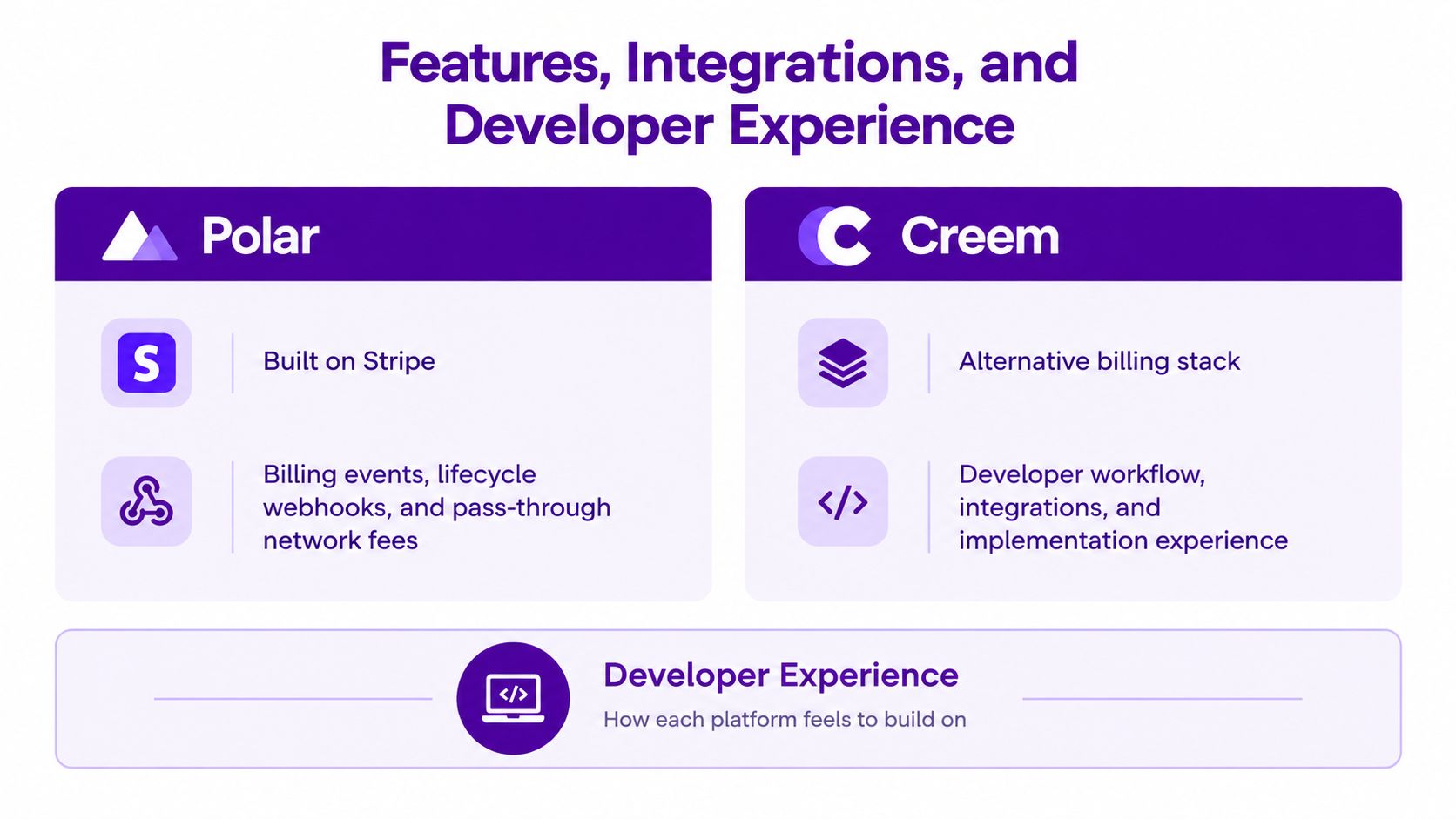
Polar documents that it's built on Stripe and may add other payment service providers. Creem, by contrast, exposes separate production and sandbox API environments, which lets developers distinguish live transactions from test activity in their implementation.
Neither detail alone tells you which platform is easier for your product. The fit depends on how your team wants to work with checkout, subscription changes, webhooks, and customer support. Before committing, map the events your application needs to track, such as a new subscription, a renewal, a failed payment, an upgrade, or a cancellation, and confirm how your chosen setup makes those records available.
An MoR reduces the burden of being the seller for a transaction. It doesn't automatically give your team a complete picture of subscription performance.
That distinction matters when you start measuring revenue. A settlement file can tell you what the provider paid out after fees and adjustments. Subscription events and invoices can show which customers are active, what changed in their plans, and when recurring revenue moved. Keep those purposes separate instead of treating a payout total as your MRR.
Creem vs Polar Pricing Compared
Creem's published price is 3.9% plus $0.40 per successful transaction, with no monthly or setup fee. Polar's published plans charge 5.0% plus $0.50 on Starter, 3.8% plus $0.40 on Pro, 3.6% plus $0.35 on Growth, and 3.4% plus $0.30 on Scale. Polar's monthly fees are $0 for Starter, $20 for Pro, $100 for Growth, and $400 for Scale. See Creem's pricing and SaaS pricing considerations when deciding how to set subscription prices around platform costs.
| Provider / plan | Transaction fee | Monthly fee | Fee on a $10 charge |
|---|---|---|---|
| Creem | 3.9% + $0.40 | $0 | $0.79 |
| Polar Starter | 5.0% + $0.50 | $0 | $1.00 |
| Polar Pro | 3.8% + $0.40 | $20 | $0.78 |
| Polar Growth | 3.6% + $0.35 | $100 | Not listed in the verified example |
| Polar Scale | 3.4% + $0.30 | $400 | Not listed in the verified example |
At a $10 recurring charge, Creem's $0.79 fee is 7.9% of the charge. Polar Starter's $1.00 fee is 10%, while Polar Pro's $0.78 transaction fee is 7.8%, before accounting for its monthly plan fee. A lower percentage rate doesn't erase the fixed transaction component, which weighs more heavily on low-priced subscriptions.
At a $100 charge, the effective transaction-fee rates are 4.3% for Creem, 5.5% for Polar Starter, and 4.2% for Polar Pro, before the paid plan fee. These examples are based on the published transaction fees in Creem's getting-started documentation and Polar's published pricing information.
Compare all-in cost, not just transaction rates
Polar's paid tiers may reduce the cost per transaction, but the plan fee must be earned back through those savings. The relevant calculation is: add up transaction fees for the period, add the plan charge, then compare that total with Creem's transaction fees over the same period. Run the math using your own average order value and transaction count instead of assuming that a lower rate wins.
Polar also states that card-network and Stripe extras may be passed through separately. Those costs can affect the final comparison, so include them when they apply. Likewise, model refunds and annual billing based on your actual records. A fee comparison that ignores those factors can point you toward the wrong plan.
Features, Integrations, and Developer Experience
The meaningful developer comparison isn't which platform has more features. It's whether you can implement the billing lifecycle your SaaS needs and reliably pass the resulting data into your product and reporting workflows.
Polar's foundation on Stripe is relevant if your implementation depends on familiar billing events and lifecycle webhooks. Stripe's documentation describes using the invoice.paid event or checking that a subscription is active to confirm a successful recurring payment, and explains that webhooks report when subscriptions are created or changed. Those events matter because a signup alone doesn't tell your application whether a subscription later renewed, changed plans, or ended. See Stripe's subscription lifecycle documentation.
Creem's separate sandbox and production environments are useful for testing without confusing test activity with real transactions. Build and verify your checkout and subscription flows in the appropriate environment before relying on live billing data. In either setup, check how the records you need are exposed and retained, rather than assuming that an MoR automatically provides every event or analytics connection your application requires.
Developer's check: Before launch, trace a test subscription from checkout through renewal, plan change, cancellation, and refund. Confirm which system records each event and which data your reporting process will receive.
Design around the records you'll need
Keep two reporting jobs distinct. Settlement data helps reconcile what the MoR remitted after fees, refunds, and other adjustments. Subscription events and invoices support recurring-revenue analysis by showing customer-level billing activity and plan changes. Neither source should be used as a substitute for the other.
For a SaaS team, the implementation should also identify what happens when an event is missed or arrives late, and how your system handles repeated notifications. Those are practical integration questions, not reasons to assume one provider is universally easier. Your choice should reflect the APIs and workflow your team can maintain.
Onboarding, Setup, and Migration
Starting fresh with an MoR is a different job from switching billing providers. In either case, treat the setup as an operational change, not just a checkout redesign.
Setting up a new account
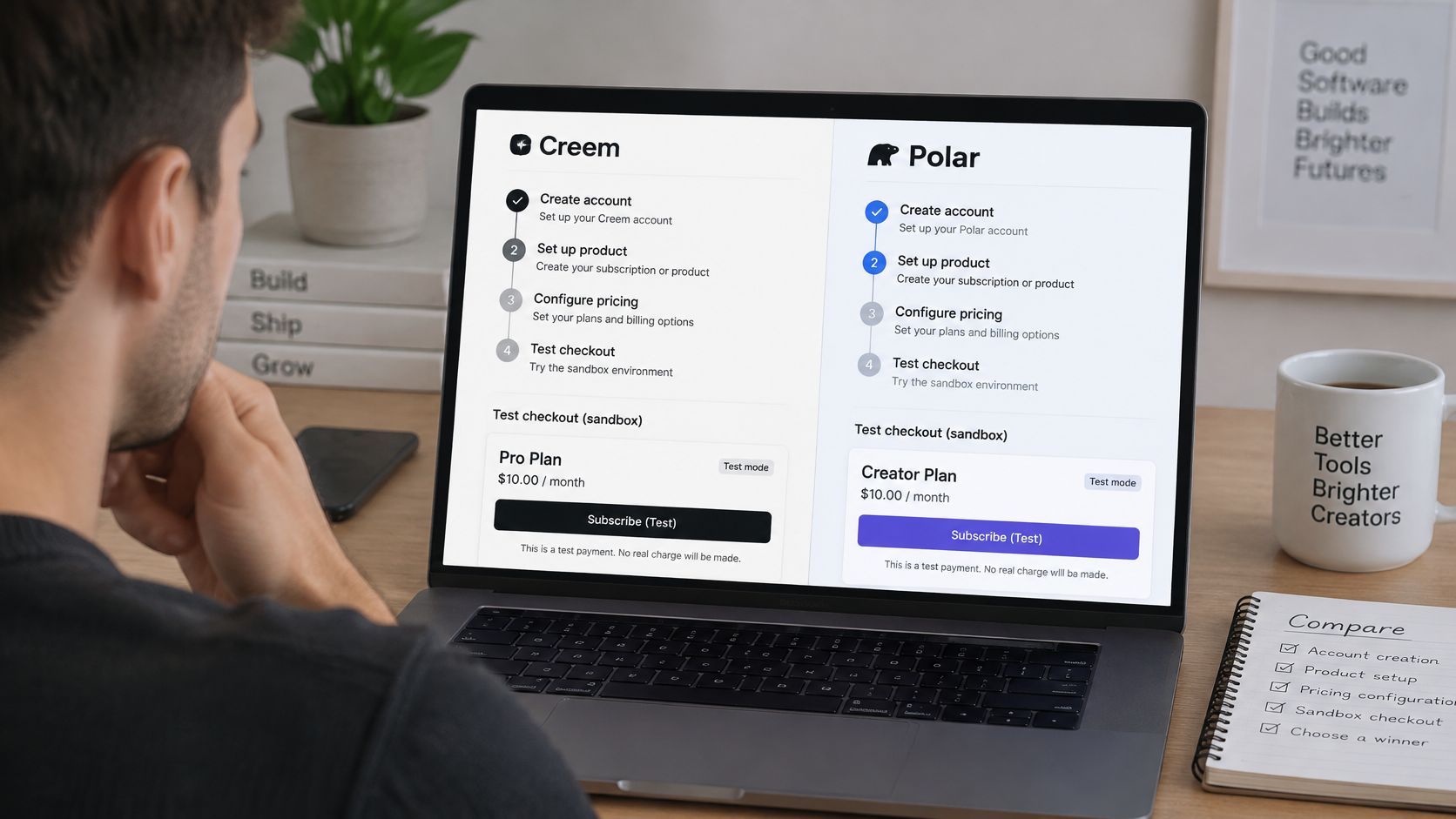
Begin by defining your SaaS products, plans, billing intervals, and any plan changes customers can make. Then configure checkout and connect the application to the provider's billing events or API. With Creem, use its separate sandbox and production environments to test before live transactions. For Polar, validate the event flow and any Stripe-related components your implementation relies on.
An MoR also needs information about the seller and product before it can support sales. Plan time to complete the provider's onboarding and compliance steps, and don't switch on production billing until you've tested the customer journey, subscription state changes, and the way your application responds to payment outcomes.
Switching an existing SaaS
A product catalog and pricing structure are easier to recreate than a customer's active payment authorization. Don't assume active subscription payment methods or historical transaction records will move to a new provider. Check directly with both providers about what can transfer, what customers may need to authorize again, and how you'll preserve access and billing continuity.
For a controlled transition, run old and new billing paths in parallel only where your setup allows it, and make ownership of each active subscription explicit. Reconcile customer status, renewal timing, and recorded revenue during the change. The Creem data-source help documentation is relevant if you're planning to bring Creem billing records into revenue analysis, but analytics setup shouldn't be confused with migrating billing credentials or subscriptions.
Which Platform Fits Your SaaS Business
There isn't one winner for every SaaS. Creem's flat fee and lack of a monthly charge make costs easier to anticipate when volume is uneven. Polar's lower transaction rates on paid plans can be attractive when your order economics and transaction volume make the plan fee worthwhile.
Match the plan to your operating pattern
A solo founder selling a low-priced monthly tool should calculate the fixed fee's share of each payment and avoid choosing a plan just because its percentage looks lower. At the $10 price point, the examples above show how the fixed component changes the effective rate, while a monthly plan charge adds a separate cost to recover.
A SaaS with steady transaction volume can test whether a paid Polar plan's reduced transaction charges exceed its monthly fee. Use actual order values and the number of successful transactions in the period. Include refunds and any pass-through costs that apply, then compare the full totals against Creem. Don't choose on a forecast alone if your volume is volatile.
A plugin developer with seasonal sales should pay particular attention to months when revenue falls but a paid plan charge remains. A plan that looks cheaper in a busy period may not be the most practical fit across quieter months. Likewise, a business with larger average orders may see the percentage portion matter more than it does for a low-ticket subscription, while the fixed charge remains part of every transaction.
A useful rule: Calculate total fees across both a strong month and a quiet one. A provider that wins only under your rosiest volume assumption may not be the right default.
Build a simple comparison from your own billing records: successful transactions, average order value, subscription interval, refunds, and monthly volume. That gives you a grounded break-even test without treating either provider's headline price as a universal recommendation.
Measuring Revenue from Creem or Polar with Chartsy
Picking a billing provider answers how you'll sell and manage subscriptions. It doesn't answer which marketing sources bring paying customers or why MRR changed. A revenue analytics workflow needs website visits and signup information alongside customer, invoice, and subscription data.
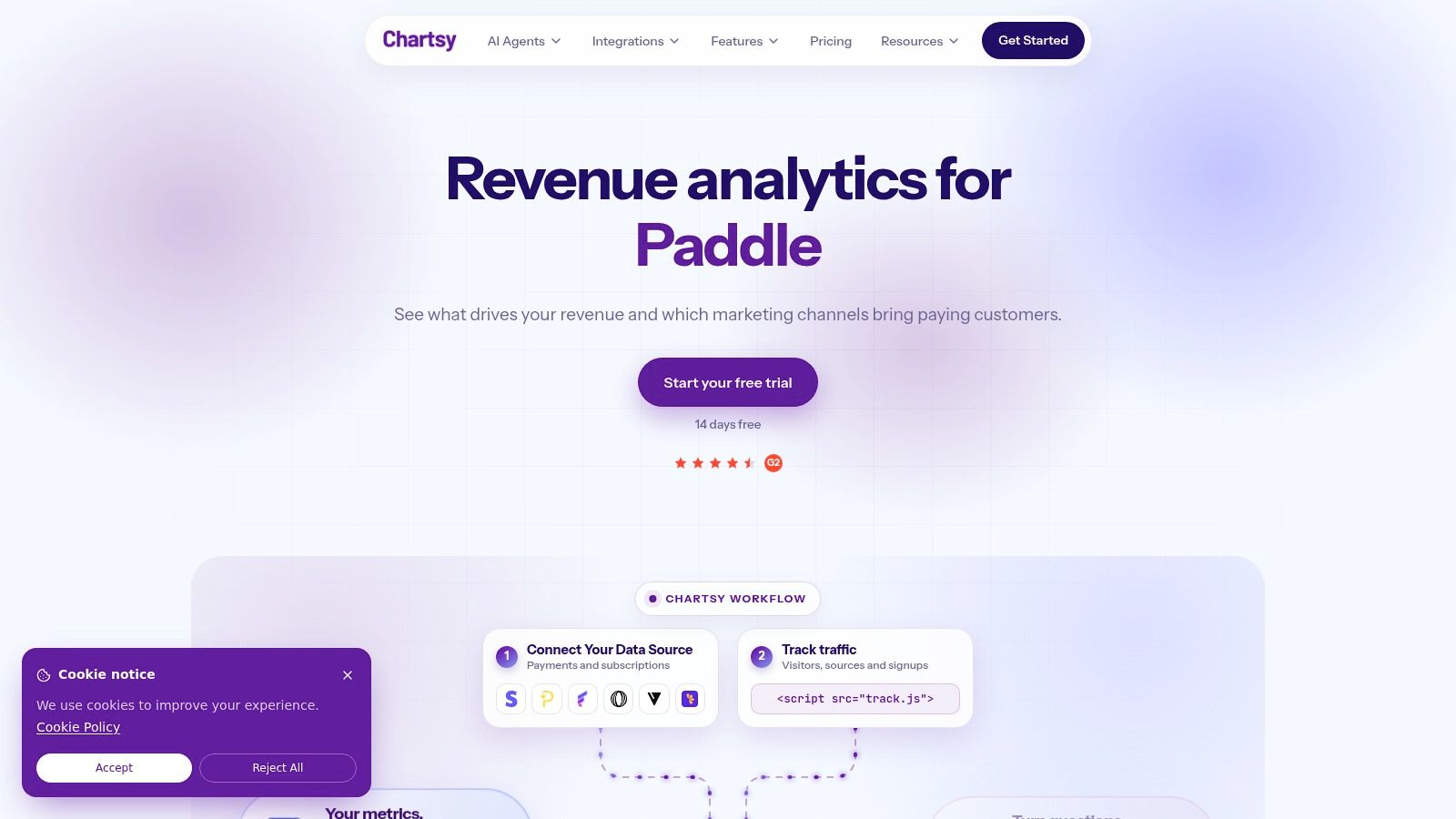
For providers without a native connector, Chartsy's Custom API offers a way to send billing data into the analytics platform. A business creates a custom source, receives an API key, and sends customer, price, and invoice records through the API, including endpoints such as POST /api/v1/invoices/. That's an API data transfer, not an automatic connection to every provider. Chartsy can then analyze the records for MRR, churn, and subscription movements.
A team can also add revenue from another system to an existing Stripe or Paddle source so the same customer is counted once, or use a separate custom source for a distinct revenue stream. This matters when a business has more than one billing path and wants a unified view without counting the same customer as two people.
When you investigate MRR, separate new revenue, expansion, contraction, and churn. Those movements describe what changed in the billing data, but they don't by themselves prove why a customer cancelled or upgraded. Connecting acquisition and billing records lets a small team examine which channels brought paying customers and how those customers contributed to recurring revenue. Chartsy's plain-English AI analysis can help teams explore that data and create charts without writing SQL. For the practical workflow, see how to track subscription revenue from multiple payment providers.
Here's a brief overview of the revenue analytics workflow:
Connect the billing records you need, then ask a focused question in plain English: Which channel drove last month's paying customers?
Chartsy connects website traffic and signups with subscription billing data, helping SaaS teams examine marketing sources, paying customers, MRR, and churn in one reporting workflow. If you're comparing Creem and Polar, visit Chartsy to explore how its Custom API can bring provider data into that analysis.

Written by
Chartsy TeamAnalytics team at Chartsy
The Chartsy Team writes guides, product updates, and resources to help SaaS and eCommerce founders make sense of their metrics, without SQL or spreadsheets.
Chartsy
